
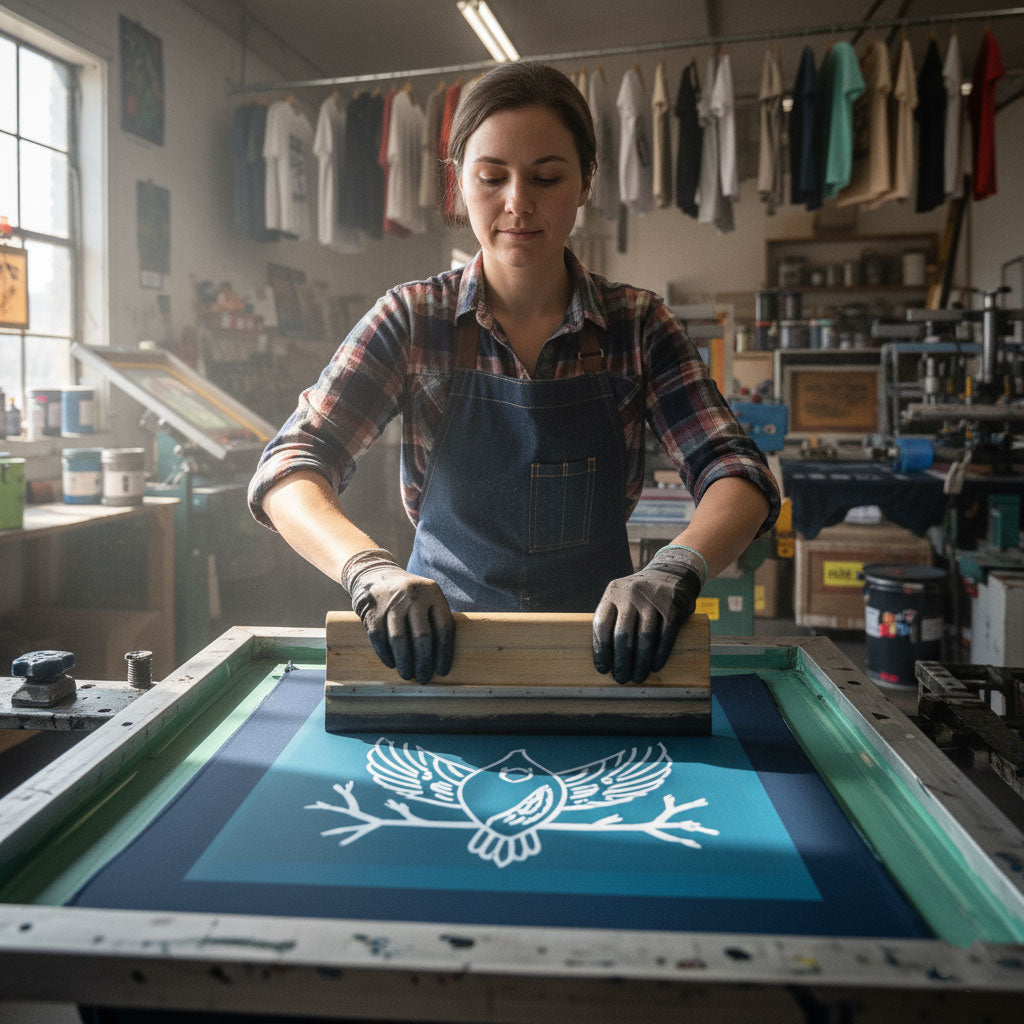

Let’s be real — ink isn’t cheap. Neither are ruined tees or wasted labor hours. Every drop of ink you spill, over-flood, or scrape off a ruined print is cash going straight down the drain. If your print shop feels like a crime scene of half-cured tees and clogged screens, this one’s for you.
Here are the five most common mistakes that silently eat your profits (and how to stop them before your next print run).
1. Over-Flooding Your Screens
More ink ≠ better coverage. Flooding the screen too heavily doesn’t just waste product — it bleeds, smears, and turns your crisp design into a blurry mess. You end up with thick, uneven prints that never cure evenly.
The fix? Light, even floods and consistent pressure. Remember, finesse beats force. You’re painting, not paving a driveway.
2. Ignoring Off-Contact Distance
If your off-contact is too tight, you’re basically printing with a rolling pin. Too far, and your print looks like it went through a wind tunnel. Both extremes waste ink because they require extra passes to compensate for bad contact.
Take two minutes to check your setup. One millimeter can make the difference between a sharp, clean print and an “oops, that’s another test shirt.”
3. Printing on the Wrong Fabric
Not all blanks are created equal. Thin, cheap tees absorb ink unevenly and curl when heat hits them — forcing you to overprint just to get solid color. That’s an expensive way to learn that quality blanks save money long-term.
If you want something that holds up to pressure, start with a heavyweight blank like the Roughneck 1301 T-Shirt. Its ring-spun cotton surface gives you smooth, predictable ink coverage every time — zero guesswork, no bleed.
4. Skipping Screen Maintenance
You wouldn’t cook with a dirty pan, so why print with a filthy screen? Dried ink ruins detail, blocks fine lines, and makes you overcompensate with heavier passes. Suddenly you’ve wasted a bucket of ink trying to cover what should’ve been a crisp design.
Keep a cleaning routine: quick rinses between runs, full degrease after long sessions. Clean screens print cleaner — and save way more ink than any fancy new squeegee.
5. Using the Wrong Mesh Count
Here’s the classic rookie move: printing thin linework with a 110 mesh and wondering why it looks like a kindergartner’s finger painting. Mesh count determines ink flow. Use low mesh for heavy coverage (think bold logos) and high mesh for fine detail.
Using the wrong one is like trying to butter toast with a snow shovel — messy, wasteful, and kind of tragic.
The Money-Saving Takeaway
You can’t control every variable in screen printing — humidity, dryer temps, or that one employee who still forgets to tape the platen — but you can control efficiency. Every adjustment, from off-contact to screen mesh, is a chance to print smarter, not harder.
And if you’re testing new designs, do it on blanks that can handle the abuse. The Roughneck 1301 T-Shirt is built tough, resists shrinkage, and gives consistent prints that help you master your ink game without burning through your budget.
Need more print shop wisdom? Check out our hoodie printing guide for extra tricks on curing, layering, and keeping ink where it belongs — on the shirt, not the floor.
Why is my ink drying too fast on screen?
You’re probably overexposing or using too much pressure. Try lowering room temp and stirring your ink before printing to improve flow.
Can I mix plastisol and water-based inks?
Not unless you enjoy clogging screens. Stick to one system per project or use hybrid inks made for blending.
How often should I reclaim screens?
Every few print runs — or anytime ink starts ghosting through. Clean gear = clean prints = less waste.
Share:
The Fonts That Make (or Break) Your T-Shirt Design
Design Premium Streetwear on a Budget